





































































3. DT11 Buttons and Ports Overview
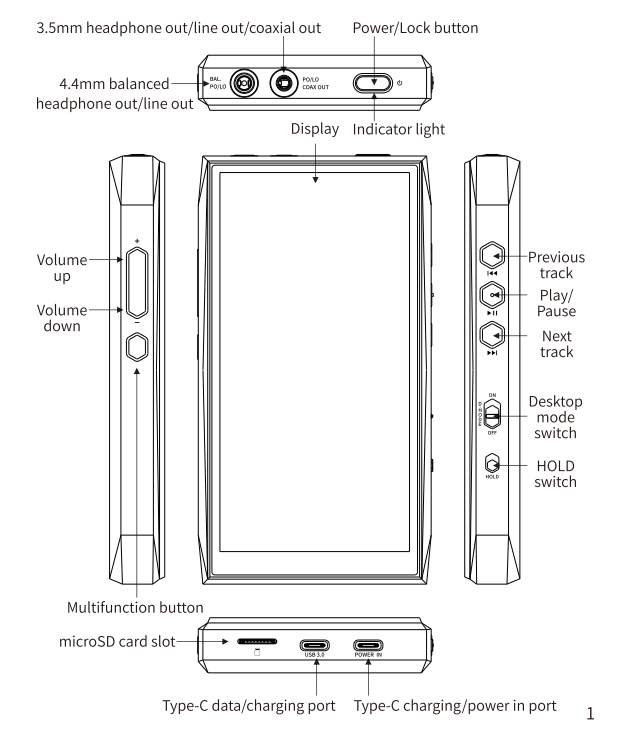
Description of the Two Digital Output Ports on the Top of the DT11:
COAX/OPT OUT: Features a combined coaxial/optical output design, compatible with standard S/PDIF pin configurations. It can be connected to an external DAC with either a coaxial or optical input.
COAX OUT: Features an isolated circuit design that effectively prevents ground-loop noise coupling, ensuring clean digital audio signal transmission. This port supports only FIIO's proprietary pin configuration.
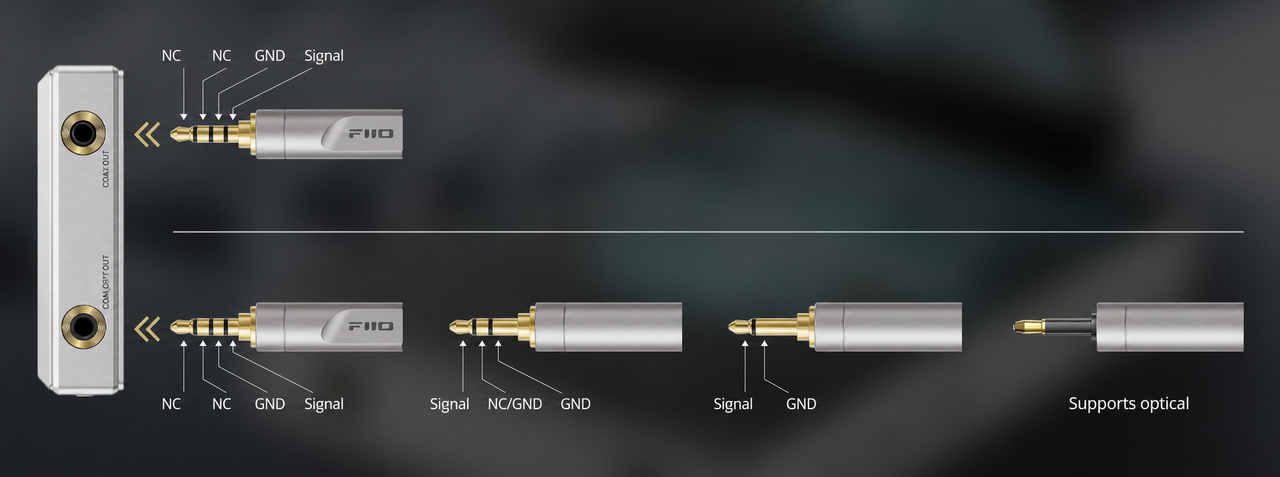
Description of the Two USB-C Ports on the DT11
USB 3.0 Port: Supports data transfer, charging, USB HOST, USB OTG, and other functions.
POWER IN Port: Supports charging and power supply only. It cannot be used for data transfer when connected to a computer.
Note: The POWER IN port supports PD 2.0/3.0 fast charging only. Other charging protocols will be recognized as standard charging. When connected to a PD 3.0 fast charger, the POWER IN port supports a maximum charging current of approximately 3.5A.
What Is the Desktop Mode on the DT11 Used For?
How Desktop Mode Works:
When Desktop Mode is enabled, a lightning bolt icon will appear on the DT11 screen.
In this mode, the DT11 is powered directly through the USB port, bypassing the battery. The battery will neither be charged nor discharged under normal conditions.
If the USB power supply is insufficient, the battery will provide supplementary power.
When Desktop Mode is disabled, the battery can be charged normally.
How to Enable Desktop Mode
-
Connect a power supply to either USB port.
-
Open the DT11's drop-down menu or go to Settings > General, then enable D.MODE to activate Desktop Mode.
Recommended microSD Cards and Maximum Supported Capacity
The DT11 supports microSD (TF) cards with a maximum capacity of 2TB. SanDisk memory cards are recommended.
